Comparison
DS Game Maker, BlocksDS or img2ds: three ways to make a DS game today
If you search for how to make a Nintendo DS game, three kinds of tool come up. DS Game Maker is a free Windows program where you build a game from rooms, objects and drag-and-drop actions. BlocksDS is an open source SDK for writing DS and DSi software in C or C++, the way homebrew developers do it. img2ds starts from a picture: you upload one, describe the game, and an AI agent writes a two-screen DS game around it in your browser. They are not rivals so much as three different starting points, and each is the right one for somebody.
Also in: Español · Deutsch · Français · Português · Italiano · Nederlands · Svenska · Norsk · Bahasa Indonesia · Türkçe · Polski · Tiếng Việt · Русский · 日本語 · 한국어 · 繁體中文
On this page
This page explains what each one is, what it does well, and where it stops. Everything said about DS Game Maker and BlocksDS comes from their own sites and documentation, linked below.
The short version
| DS Game Maker | BlocksDS | img2ds | |
|---|---|---|---|
| What you do | Build rooms and objects, add actions | Write C or C++ | Upload a picture, describe the game |
| Who writes the code | You (actions, or C / DBAS) | You | An AI agent (you can edit it) |
| Runs on | Windows | Windows, Linux, macOS, Docker | Any modern browser, plus the Shiny Gen apps |
| Output | .nds file | .nds file | A game you play and share by link; .nds download after any one purchase |
| Price | Free | Free, open source | Free to start; gem packs from $2.99 |
| Best for | Learning game logic visually | Full control of the hardware | A playable game from your own picture, fast |
DS Game Maker: visual building blocks for DS homebrew
DS Game Maker is a desktop program for making DS homebrew. According to its resource site, you define a game's logic with visual blocks called actions, lay out levels in a room editor, and build reusable objects and scripts. When the blocks are not enough you can write C, or its own scripting language, DBAS (Dynamic BASic), and mix both with the drag-and-drop logic. It produces .nds files that run on a console through a flash cart, and games can also be shown on a web page through an embeddable DS emulator.
Its history is part of the picture. It was first developed by James Garner with other contributors, roughly from 2007 to 2012. The official website and forum went out of service in 2016; the source was later recovered, version 5.20 was released entirely free with all pro features unlocked, and version 5.21 followed in 2022 with fixes, aimed at running on modern machines without a virtual machine. The resource site's setup guide is for Windows 11 and 10.
What it does well. It teaches how a game is put together: rooms, objects, events and actions are concepts you will meet again in any engine. You see every rule your game follows, and nothing is hidden. It is free, and the result is a real DS file.
Where it stops. Its setup guide is for Windows, its resource site describes no release after 5.21, and you still build every screen and every rule yourself. Your art has to be made and imported by you.
BlocksDS: a modern SDK for C and C++
BlocksDS describes itself as "an Open Source SDK that lets you create your own applications for the Nintendo DS and DSi using C or C++." Its introduction lists what comes with it: libnds (modified to be thread-safe), the Maxmod music library for MOD, XM, IT and S3M files, NitroFS for files embedded in the ROM, Wi-Fi support, and DSi features such as the SD slot, NAND, extra memory and the camera. There are setup guides for Windows, Linux, macOS and Docker, and a "Migrating from devkitARM" guide for projects built on devkitPro, the long-standing DS toolchain.
Its first tutorial is honest about the bar: it does not teach a programming language, so you need at least basic C and some idea of how the DS hardware works. You build with make, which converts graphics, compiles, links and packages a .nds ROM. For testing it recommends melonDS (the most accurate), no$gba (a strong debugger, Windows-only) and DeSmuME.
What it does well. Everything. If the DS can do it, BlocksDS lets you do it, with real tools, open source code and a tutorial track from basic to advanced (sprites, backgrounds, audio, DMA, 3D, Wi-Fi). It is the right choice if you want to learn the machine itself or ship serious homebrew.
Where it stops. It is a programmer's kit. Getting from an idea to a first playable game means learning C, the toolchain and the hardware, which is a project of its own.
img2ds: a picture and a prompt, then a two-screen game
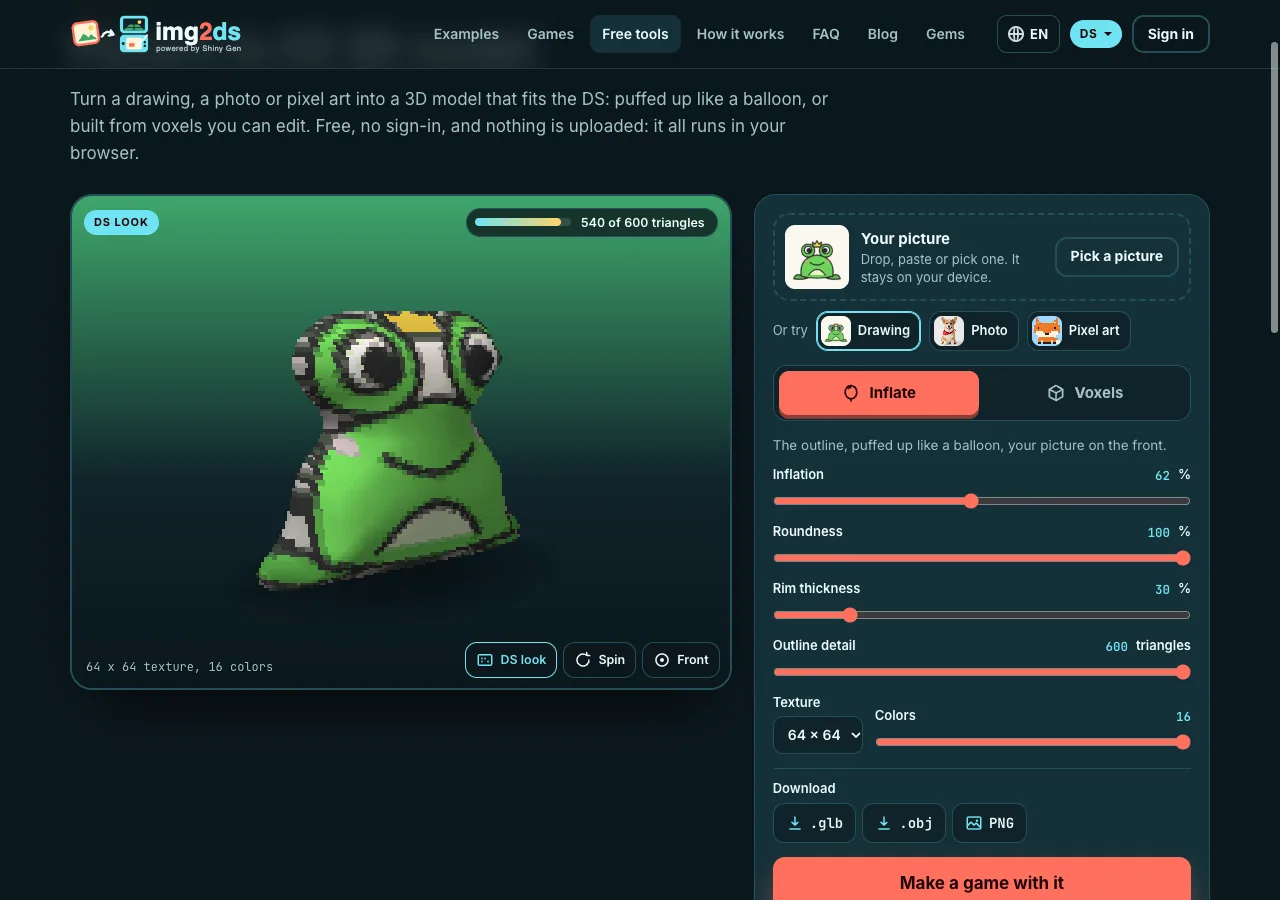
img2ds is a Shiny Gen site. You add a picture (upload one, make one from a few words with our built-in image models, or transform a photo into a new style), choose what it becomes in the game (the hero, the rival, the treasure or the backdrop), and write what happens. An AI agent then writes the game for Shiny Gen's DS engine: two 256 x 192 screens, the bottom one a touch screen, with 3D on either screen.
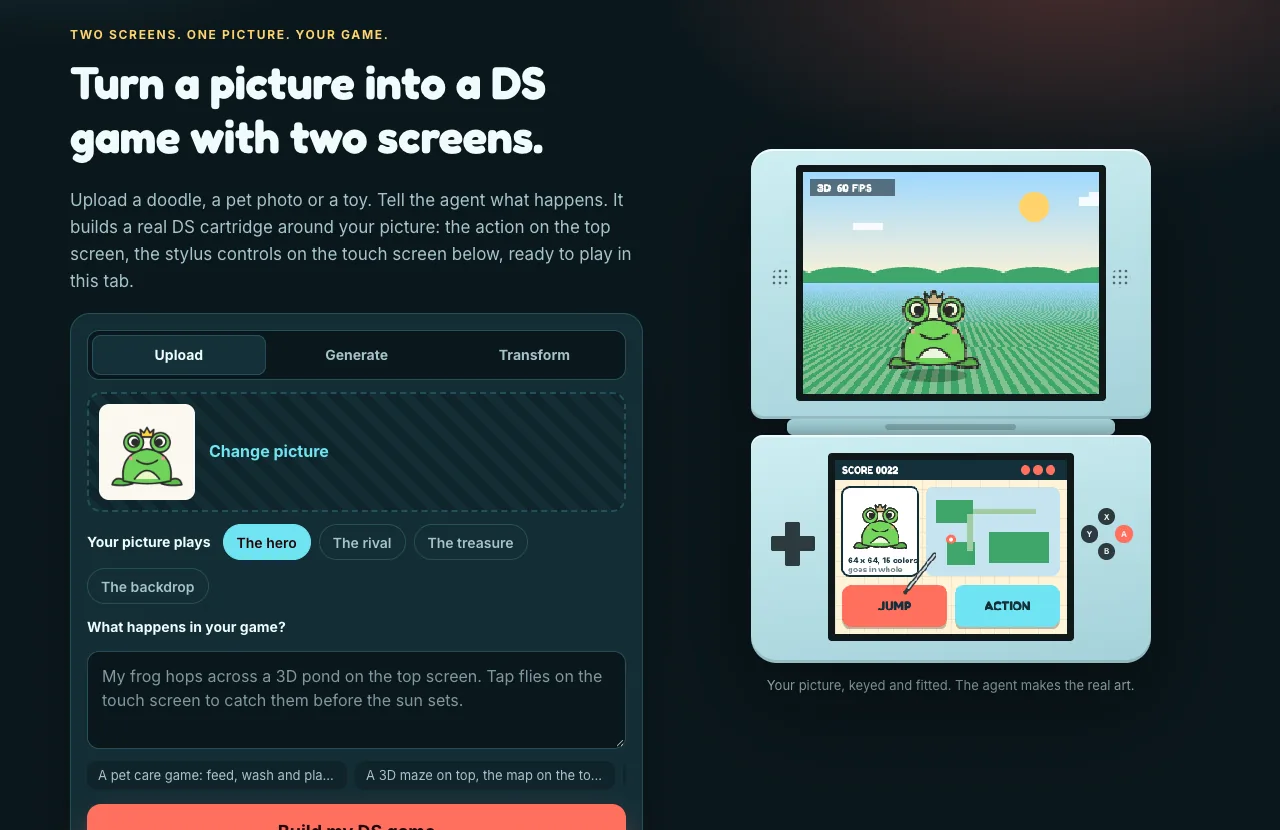
The agent writes the game in a small C dialect, which the app compiles to ARM machine code together with the runtime and your art, so the result is a .nds cartridge. It does not stop at writing code: it builds the cartridge, runs it, presses the buttons and taps the touch screen itself, reads both screens and fixes what it finds. Your picture goes in whole, as one texture of up to 64 x 64 pixels for a character, drawn as a sprite or standing upright in the 3D scene.
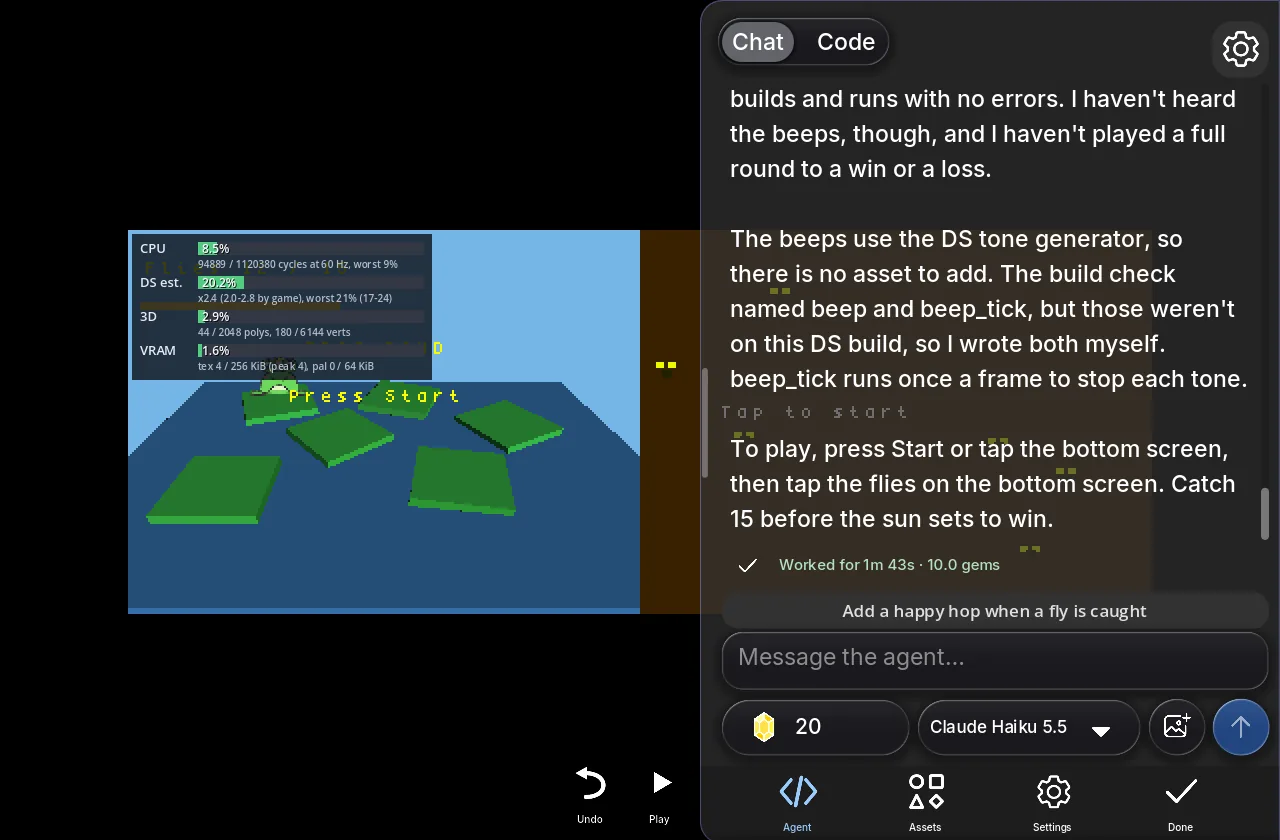
You play it right away in the browser, with the mouse or your finger as the stylus, and share it by link. Making, playing and sharing are free; new accounts get free gems and free agent turns, and gem packs start at $2.99. Any one purchase also unlocks the .nds download.
What it does well. Speed and your own art. In our test sessions a first playable DS game took from under 2 minutes to about 6, for about ten gems. Nothing to install, no code to write, and the code is there in the Code view if you want to read or change it. You keep changing the game by chat.
Where it stops. It is Shiny Gen's own DS engine, not libnds, so it does not reach every corner of the hardware: no local wireless (games link over the internet through Shiny Gen instead), no microphone and no DSi-only features. Its 3D budget is about 2,048 polygons a frame, numbers are fixed-point, and code and main art share about 3 MB. We test the .nds file in our own emulator and in melonDS; we have not yet run it on a real DS through a flash cart, so we do not claim that. And an AI agent makes choices you might not have made; you steer it by asking.
Which one should you pick?
- You want to understand how games are built, without writing code yet: DS Game Maker. The rooms and actions model will carry over to whatever you use next.
- You want to program the DS for real, or ship homebrew others will run on hardware: BlocksDS. It is free, open, actively documented and as close to the metal as you want to go.
- You have a picture, an idea and an evening, and you want to play the result: img2ds. Start from a drawing, a pet photo or a toy, and have a two-screen game to share before your tea gets cold.
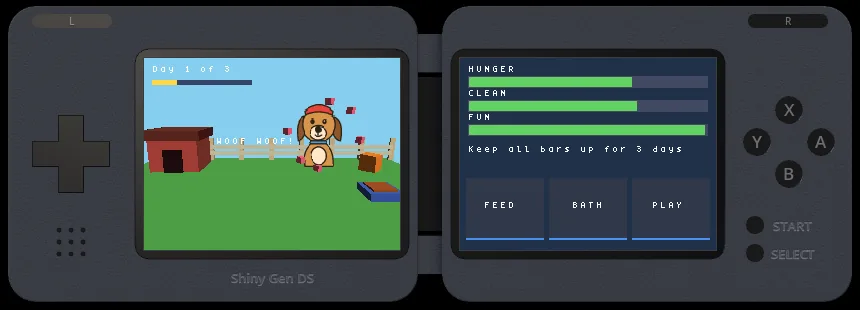
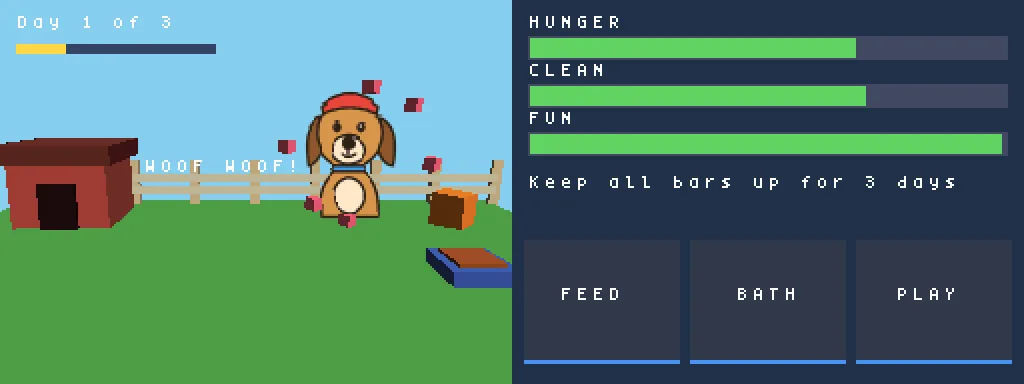
For the img2ds route step by step, see How to turn a picture into a DS game, and for a full session from picture to game, a dog drawing that became a DS pet game.
They also combine. A playable img2ds game is a quick way to find out whether an idea is fun before you spend weeks on it in C, and reading the agent's code in the Code view is a gentle introduction to how a DS game loop works.
FAQ
Is DS Game Maker still updated?
Its official site went out of service in 2016. Version 5.21 was released in 2022 by the community, with minor fixes and new features, and its resource site hosts the manual and a Windows 11 and 10 setup guide. The resource site does not describe any release after that one.
Do I need to know C to make a DS game?
For BlocksDS, yes: its tutorial assumes basic C. DS Game Maker lets you start with drag-and-drop actions and add C or DBAS later. On img2ds you describe the game in plain words and the AI agent writes the code.
Which one makes a real .nds file?
All three. DS Game Maker and BlocksDS build a .nds on your computer. img2ds games run in your browser in Shiny Gen's DS player, and the .nds download is unlocked by any one purchase, from $2.99.
Can I run the result on a real DS?
DS Game Maker and BlocksDS games run on hardware through a flash cart. The img2ds .nds file is a homebrew cartridge tested in melonDS; we have not tested it on a real DS yet, so we do not claim it.
Is img2ds free?
Making, playing and sharing games are free, and new accounts get free gems and free agent turns, which cover a first game. After that the agent and the image models use gems; packs start at $2.99. See the Gems page for the current prices.
Can I use my own art?
Yes, on all three. With DS Game Maker and BlocksDS you prepare and import it yourself. On img2ds your picture is the starting point: a plain background is cut out in the browser, and the agent puts the picture in the cartridge as it is.
Further reading
Last updated: November 17, 2026