How it works
How to turn a picture into a DS game (two screens, touch, made by AI)
To turn a picture into a DS game, open img2ds.com, upload the picture (or make one from a few words), pick what it plays in the game, and write a sentence or two about what happens on the top screen and what the touch screen is for. Press Build my DS game, sign in, and an AI agent writes a real two-screen DS cartridge around your picture, plays it and fixes it, usually in a few minutes. You play it right there in the browser, with your mouse or finger as the stylus.
Also in: Español · Deutsch · Français · Português · Italiano · Nederlands · Svenska · Norsk · Bahasa Indonesia · Türkçe · Polski · Tiếng Việt · Русский · 日本語 · 한국어 · 繁體中文
On this page
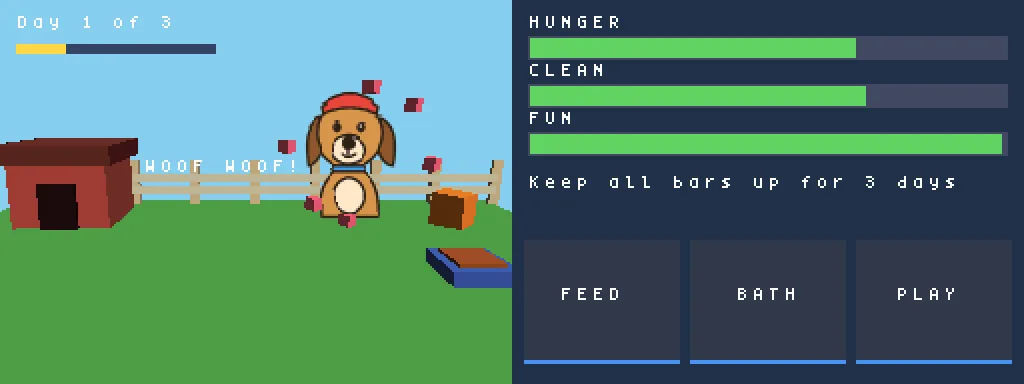
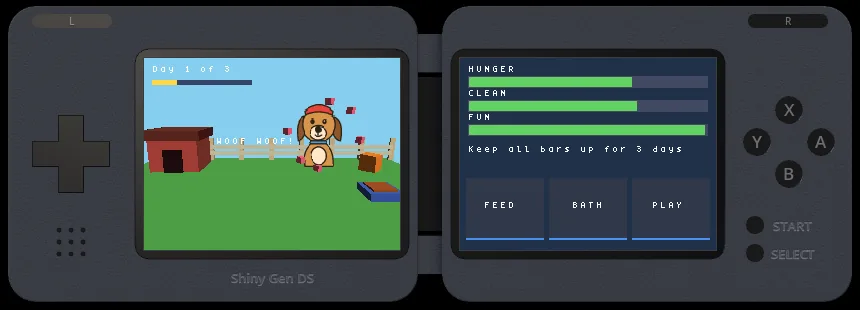
This guide walks through every step with screenshots from a real session (the whole session is in a dog drawing that became a DS pet game), then covers what it costs, what you get, and what the DS can and cannot do.
1. Bring a picture
The start card has three tabs.
- Upload is the fastest: a PNG, JPG or WebP with one clear subject, such as a sketch, a toy, a pet or a mascot.
- Generate makes a picture from a few words with our built-in image models: Detailed (8 gems), Pixel art (3 gems) or Fast (2 gems).
- Transform takes a picture you have and changes it with words (img2img): give your dog a space helmet, turn a photo into a cartoon. Best costs 8 gems and Fast 7.
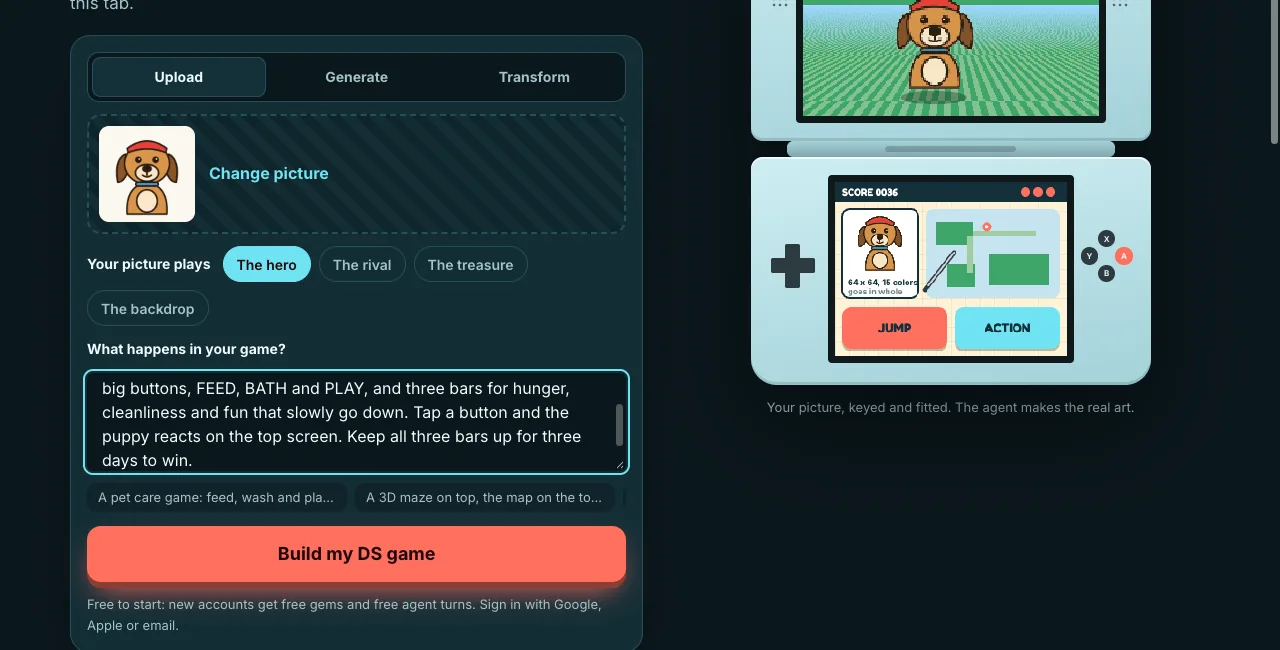
Pictures with one subject on a plain background work best. A plain background is cut out in your browser before anything is sent, so the picture arrives ready to use and the agent does not spend gems removing it.
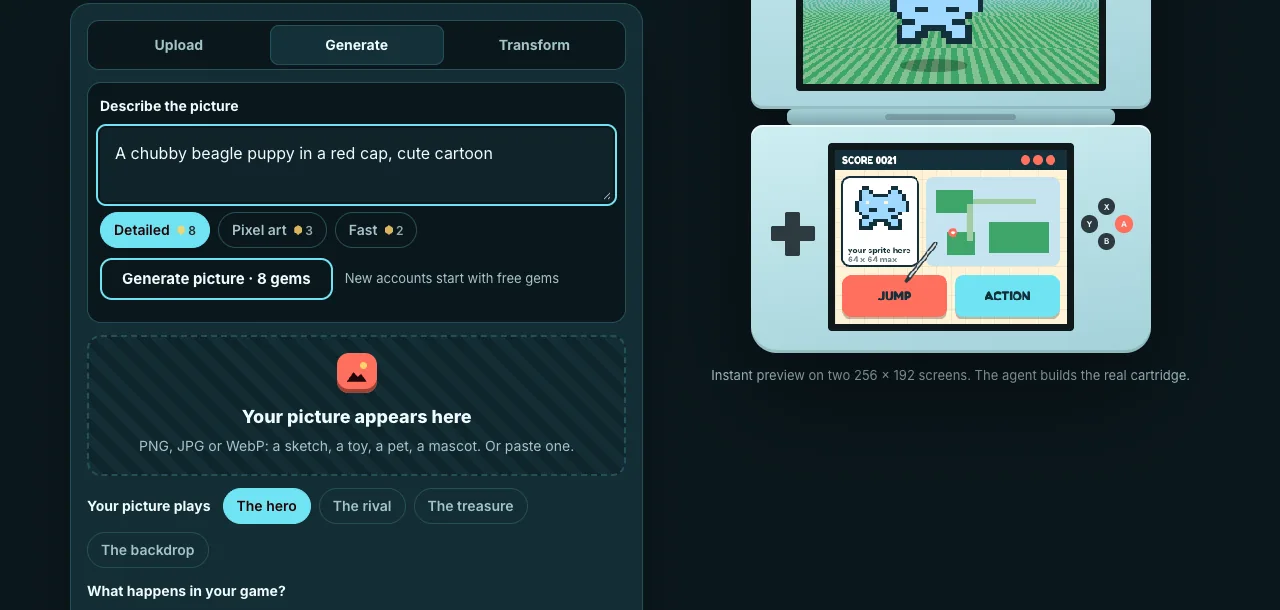
Generate and Transform use gems, and the price of each model is shown on its button before you press it. For a hero, a rival or a treasure, the site asks the model for one character, full body, centered on a plain white background, so the cut-out and the cartridge fit work. You are only charged when a picture comes back.
2. Choose what your picture plays
Under the picture, pick its role:
- The hero: the character you play. It goes into the cartridge as one 64 x 64 texture, drawn as a sprite or standing upright in the 3D scene.
- The rival: the main enemy, also 64 x 64.
- The treasure: the thing you collect, as a 32 x 32 texture.
- The backdrop: a full 256 x 192 screen picture on one of the two screens, and the source of the game's colors.
In every role the agent is told to use your picture as it is, whole, and not to redraw it or rebuild it from boxes. That is the point: the game is built around your art.
3. Describe both screens
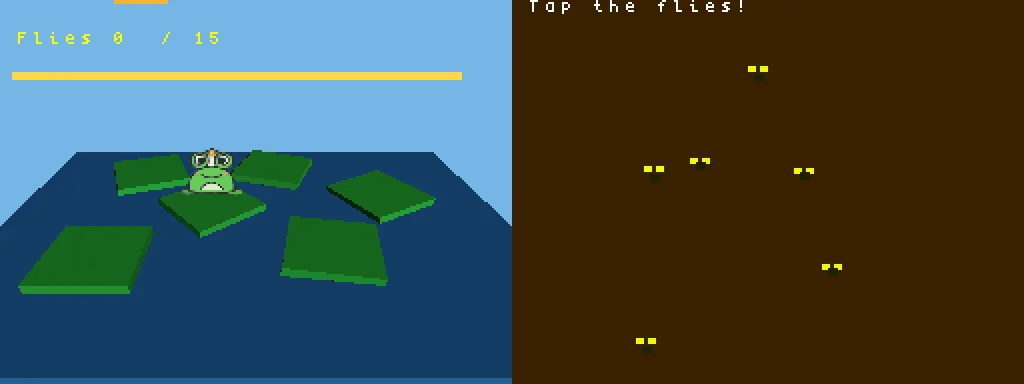
The DS has two screens, and the bottom one is a touch screen. The most useful thing you can tell the agent is what each screen shows and what tapping does. For example:
If you are stuck, the idea chips under the box fill in a starting point: a pet care game, a 3D maze with the map below, a rhythm game, a kart race. Press Build my DS game.
4. Sign in on the page
If you are not signed in, a Shiny Gen sign-in opens on the same page. Make a free account with your email right there, or log in; Google, Apple and X sign-in open on shinygen.ai and bring you back. It is a Shiny Gen account, so the game also shows up in your games in the Shiny Gen app. While you sign in, the studio downloads in the background.
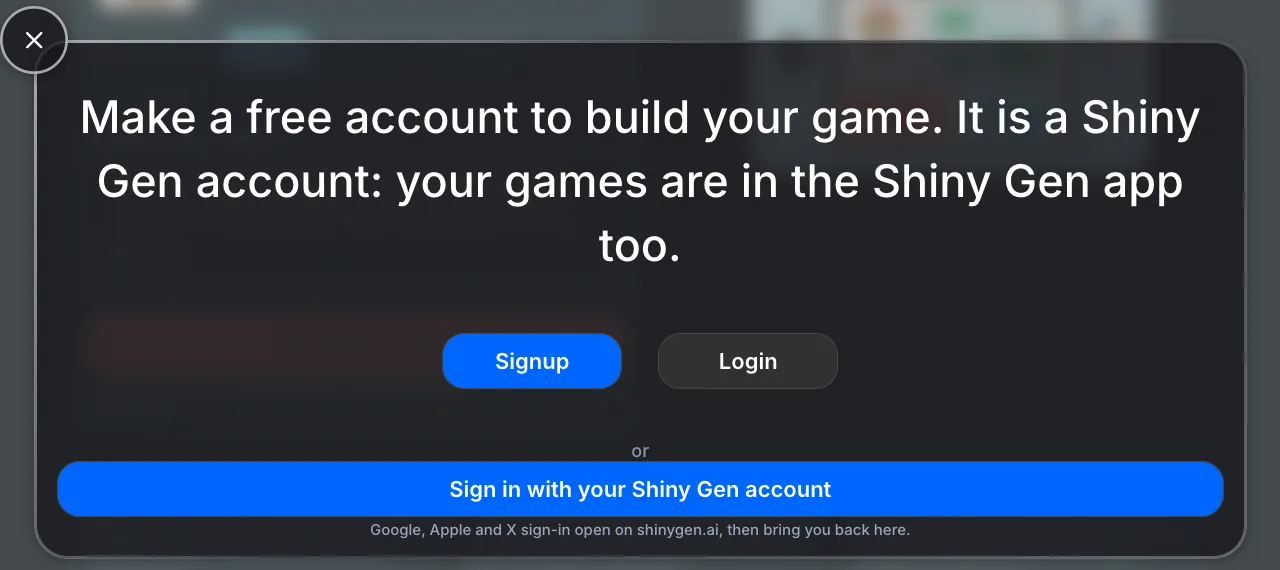
5. Watch the agent build it
The studio opens on img2ds itself, on a new DS game, and your picture and words go to the agent as its first message. You can watch every step in the chat. The agent:
- imports your picture into the cartridge as a texture,
- reads the DS engine's reference and writes the game,
- compiles it to a cartridge and fixes any errors,
- runs it, presses the buttons and taps the touch screen at exact points, reads both screens, and fixes what it finds,
- ends with a short report of what it built, what it checked, and how to play.
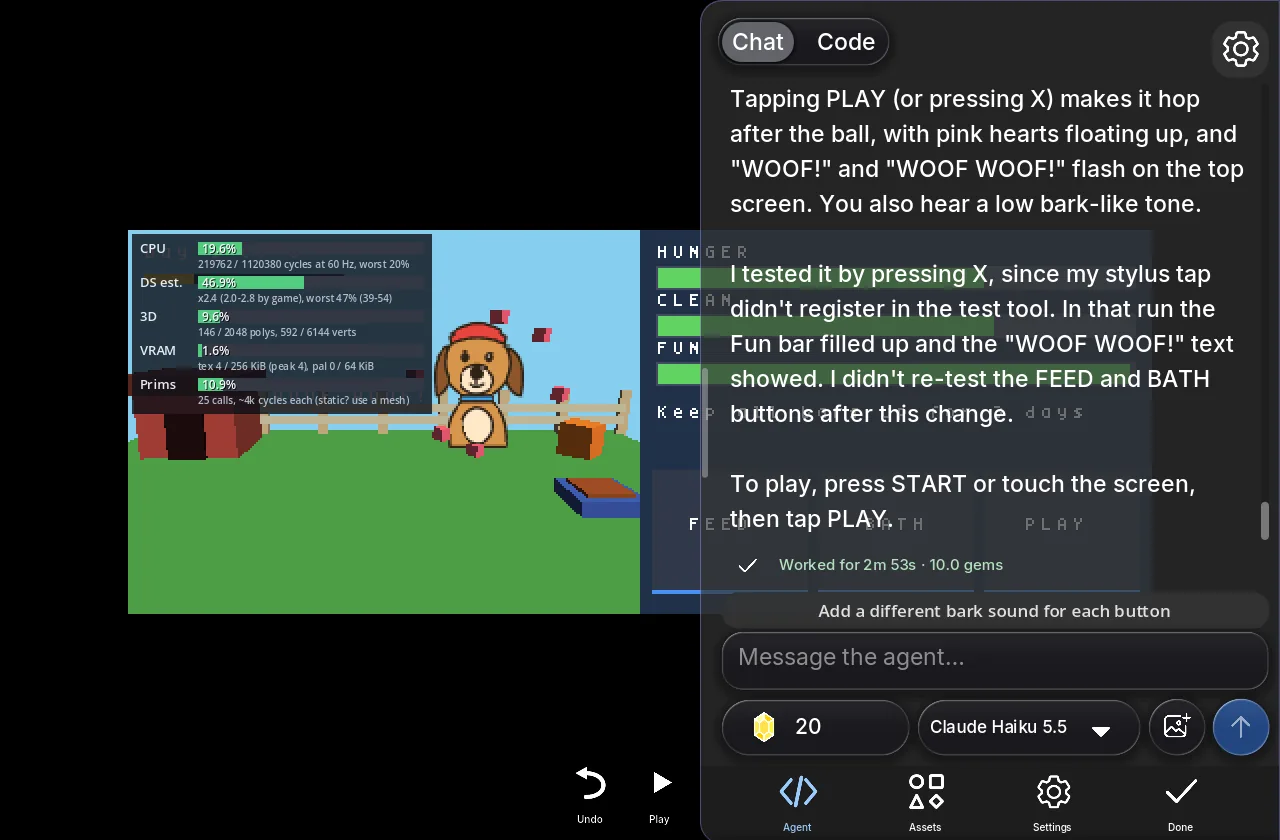
In our test sessions a first playable DS game took from under 2 minutes to about 6, and about ten gems. On a free account the agent pauses to ask before a single very long turn carries on; you press Continue or send a message, and any purchase removes that pause.
6. Play it, change it, share it
Press Play. On a computer the mouse is the stylus on the bottom screen and the keyboard or a game controller plays the buttons; on a phone or tablet your finger is the stylus and the buttons are drawn around the screens.
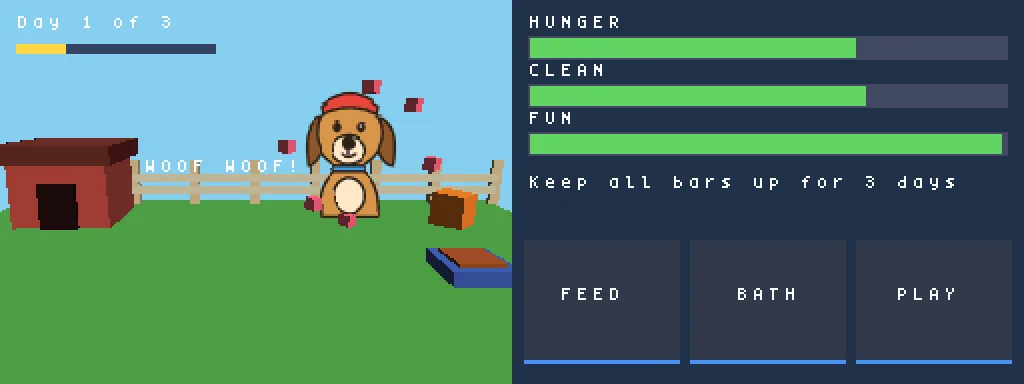
Then keep going by chat: "add a happy jump when the dog is fed", "a day counter on the top screen", "save the stats". You can also open the Code view and edit the game yourself, which costs nothing.
What you get
- A game in your Shiny Gen account, on img2ds, in the Shiny Gen apps for iPhone, iPad and Android, and at shinygen.ai.
- A share link that opens the game on img2ds, to send to anyone. Others can play it in their browser, and you choose whether they may remix it.
- A
.ndsfile, after any one purchase (packs from $2.99): open the game, press Share, then Export .nds. It runs in DS emulators; we test it in melonDS. We have not run it on a real DS through a flash cart yet, so we do not claim that. The Android app does not offer the export yet; use a browser with the same account. The ROM export guide on the Shiny Gen blog has the details.
What is free and what costs gems
Making, playing and sharing games are free. New accounts get free gems and free agent turns, which cover a first game. After that, the agent and the image models use gems; gem packs start at $2.99, and any one purchase also unlocks the .nds download. The Gems page has the current packs.
What the DS can and cannot do
The DS is a handheld from 2004, and Shiny Gen's DS engine keeps its limits:
- Two 256 x 192 screens, the bottom one touch. 3D runs on one screen at 60 frames a second, or on both at 30.
- 3D: about 2,048 polygons and 6,144 vertices a frame, four hardware lights, small textures.
- Pictures: a sprite is 8 to 64 pixels a side, up to 64 on a screen; a full-screen picture has up to 127 colors.
- Numbers: fixed-point maths only, the way DS games were written.
- Room: up to 3 MB for code and art in memory at once, with packs loaded a level at a time.
- Not in the engine: local wireless (games link over the internet through Shiny Gen instead), the microphone and DSi-only features.
Puzzle games, pet and farm games, racers, small RPGs, rhythm and touch games suit it best. Big open worlds and detailed 3D characters do not.
FAQ
What kind of picture works best?
One clear subject on a plain background: a drawing, a toy, a pet, a mascot. Busy photos with many things in them lose detail at 64 x 64. If your photo is busy, use Transform to turn it into a cartoon of just the subject first.
Will my picture become a 3D model?
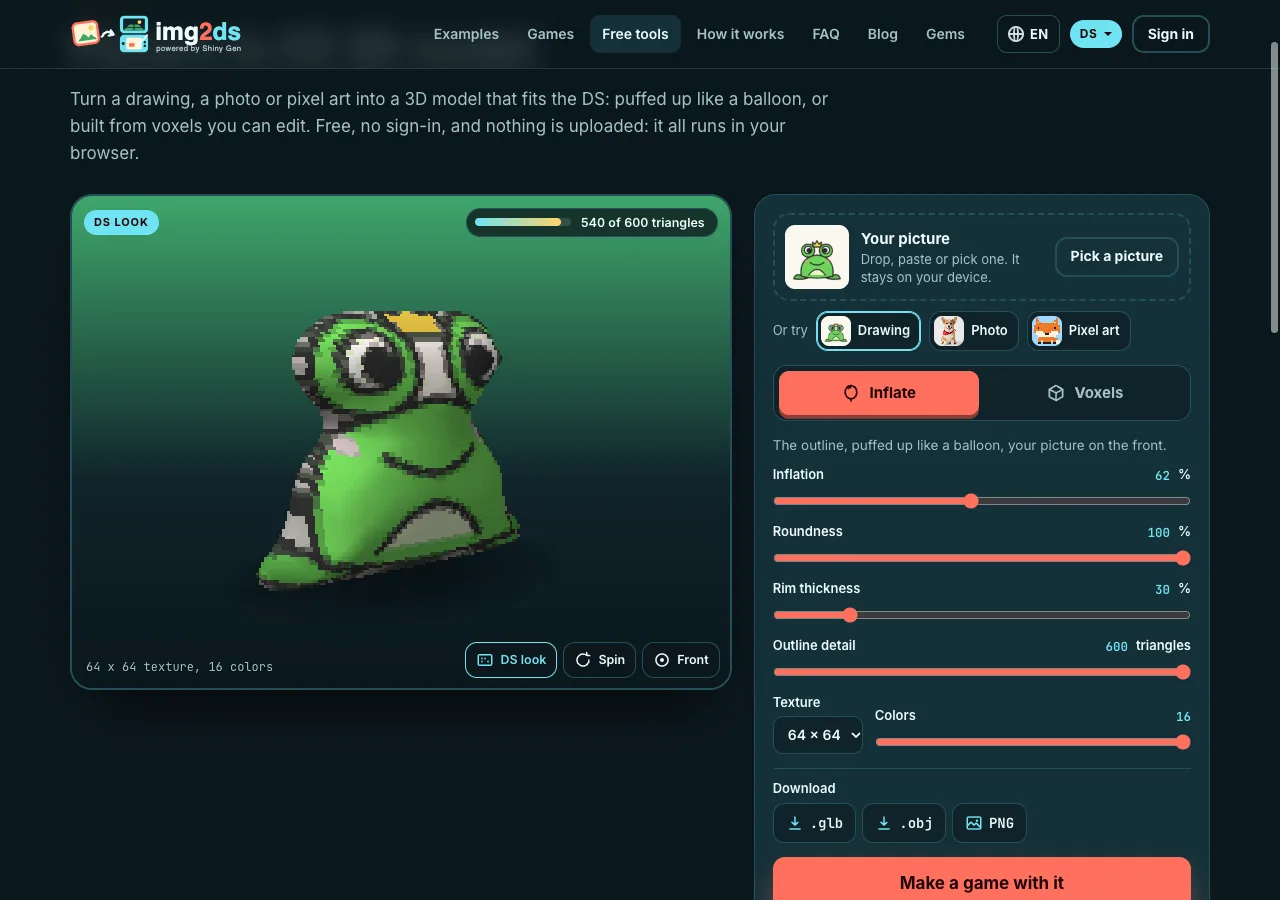
No. On the DS it stays a flat picture, drawn as a sprite or standing upright in the 3D scene, which is how many DS games drew characters. The ground, walls and props around it are built in code from simple shapes. For a 3D figure of your picture, img2n64.com and img2gamecube.com are a better fit.
How long does it take?
The preview is instant. The agent's first version usually takes a few minutes: under 2 to about 6 in our tests.
Do I need to know how to code?
No. You describe the game; the agent writes and tests the code. The code is there in the Code view if you want to read or change it.
Can I use a photo of my real pet or my kid's drawing?
Yes, if it is yours to use. The picture goes into your game as it is. Please only upload pictures you have the right to use.
Is it a real DS game?
It is a DS cartridge built by Shiny Gen's own DS engine: the agent's code is compiled to ARM machine code with the runtime and your art, and the result is a .nds file. In the browser it runs in Shiny Gen's DS player.
Can I keep changing the game later?
Yes. Open it from your games and ask the agent for more, such as a new level, music, a boss or a save, or edit the code yourself.
Further reading
Last updated: November 17, 2026