How it works
Make a DS-style 3D model from any picture, free (with the DS's real limits)
The free picture to 3D tool on img2ds.com turns a drawing, a photo or pixel art into a small 3D model with the Nintendo DS's limits: at most 600 triangles in the model, a 64 x 64 texture in 16 colors (or 32 x 32 with more), drawn the way the DS draws, with crisp unfiltered texels. Pick Inflate or Voxels, edit it, and download .glb, .obj, .vox or a PNG. It is free, there is nothing to sign in to, and your picture is not uploaded.
On this page
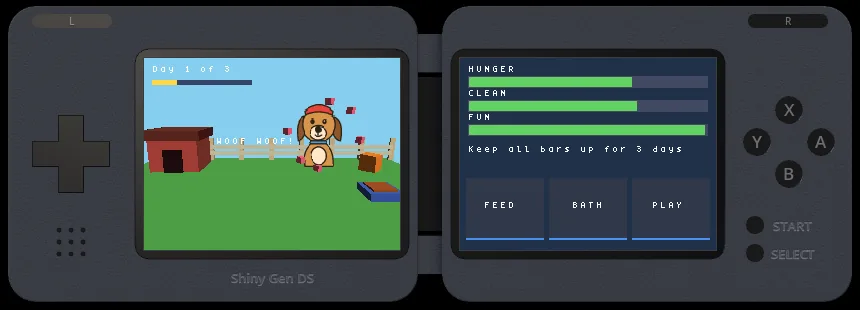
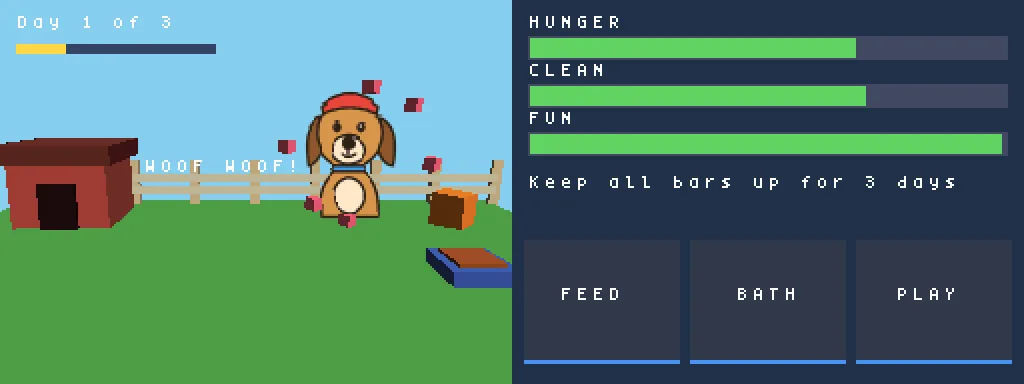
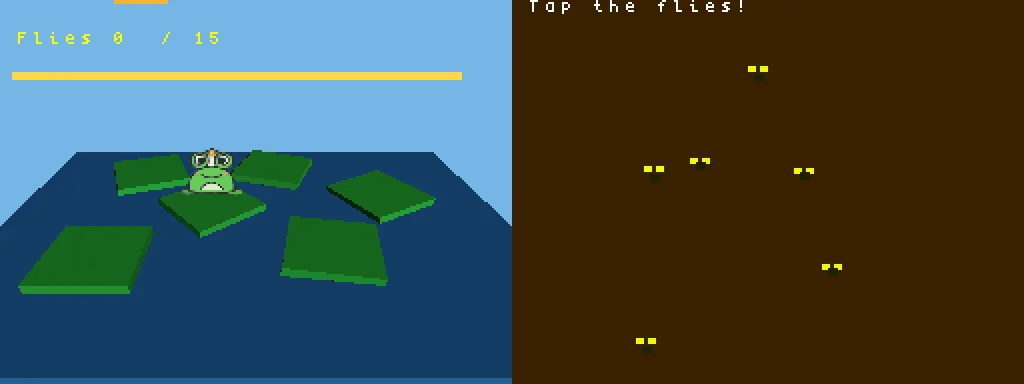
One thing to know first: the games img2ds.com makes today use your picture as a flat 64 x 64 picture in the 3D scene or as a sprite, not as a 3D model. The tool is a 3D tool in its own right, held to DS numbers, and Make a game with it sends your picture to the start.
Inflate: a soft figure in 600 triangles
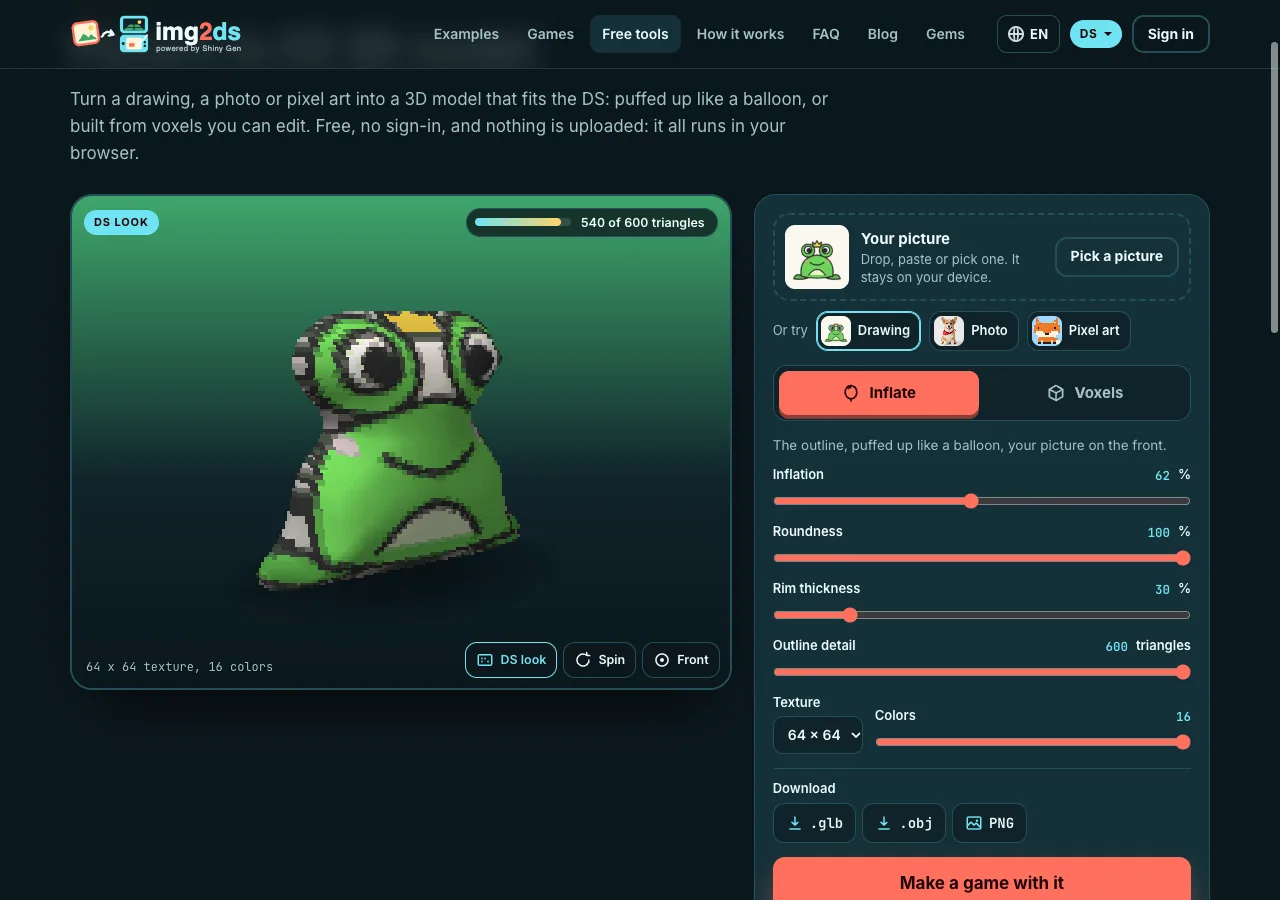
Inflate cuts the subject out, traces its outline, smooths it and lifts the inside on a round profile, with your picture on the front. With 600 triangles, the outline is traced on a fairly coarse grid, which gives the slightly chunky look of DS-era characters.
Move Inflation and Roundness for a flatter or fuller body, Rim thickness for the edge, and Outline detail for fewer triangles.
Voxels: pixel art becomes a model
Voxels suits the DS especially well. The picture becomes pixels first, with the fit and color reduction the img2 converters use, and every pixel becomes a column of cubes. Pixel art is recognized and kept at one cube for each pixel of the art.
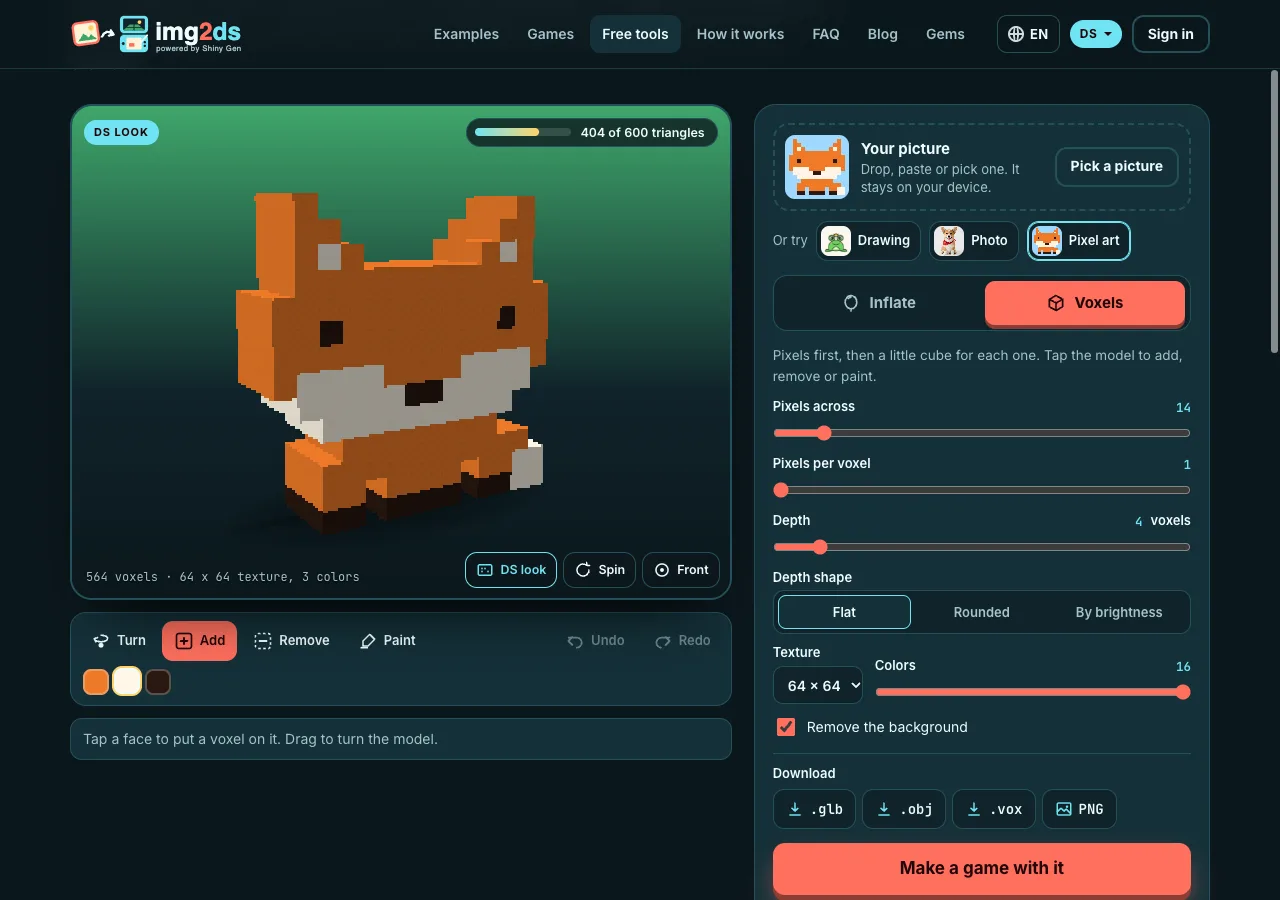
Choose Flat, Rounded or By brightness depth, up to 32 cubes deep. Then edit: Add puts a cube on the face you tap, Remove takes one away, Paint recolors it with the palette color you chose. Drag to turn. Undo and Redo work as you expect.
Coplanar faces of one color are merged so the triangle count stays low, and every edge is split where another face meets it, so no gaps open between faces.
The DS's limits, and where they come from
| Limit | What the tool keeps |
|---|---|
| Triangles in one model | 600, the most our DS cartridge builder keeps in a model without cutting it down. |
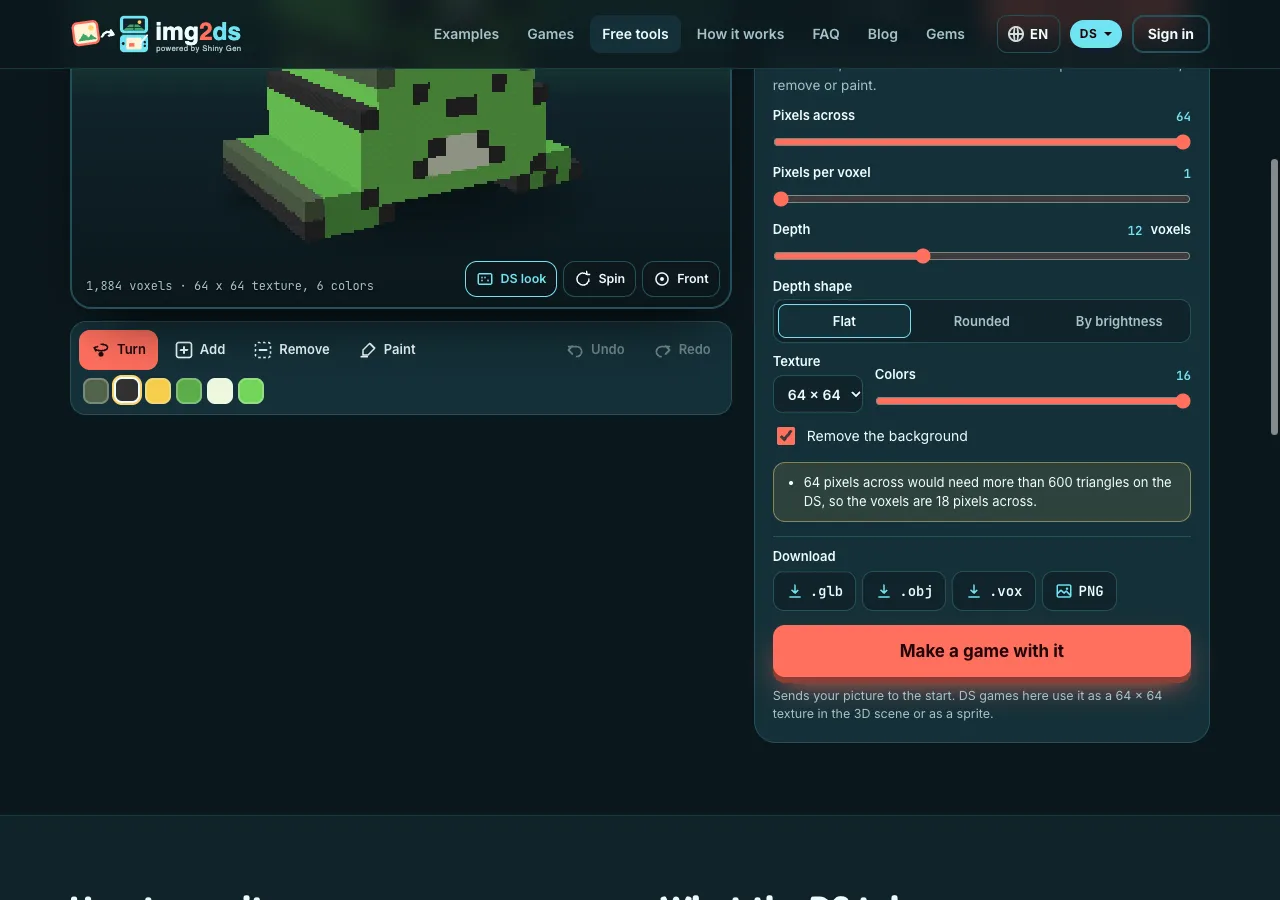
| A whole frame | The DS draws up to 2,048 polygons and 6,144 vertices a frame, for everything on screen. |
| Texture | 64 x 64 in 16 colors, or 32 x 32 with more colors. |
| Colors | 5 bits a channel, as the DS stores them. |
| Filtering | None. The DS shows texels sharp, and so does the viewer. |
The viewer draws at 256 x 192, one DS screen, with square pixels. DS look off shows a smooth view instead.
We also put models downloaded from the tool through img2ds's DS cartridge builder: all 596 triangles of our test figure and all 572 of our voxel model stay.
Downloads
- .glb: model and texture in one file, set to sharp texels like the DS.
- .obj: a zip with the .obj, .mtl and texture.
- .vox: for MagicaVoxel.
- PNG: the model in the DS look, four times its size.
Make a game with it
Make a game with it takes your picture to the start on img2ds.com, where an AI agent makes a two-screen DS game around it. There, the picture goes in as a 64 x 64 picture: on a billboard in the 3D scene or as a sprite on a screen, which is how the DS games here use it today. Your 3D model stays in your download. The DS how-to walks through a whole game.
FAQ
Is it free?
Yes, with no account and no gems. The model is made in your browser.
Do img2ds games use the 3D model?
Not today. A DS cartridge can hold 3D models, but the games img2ds.com makes put your picture in as a 64 x 64 picture in the 3D scene or as a sprite.
Why 600 triangles if the DS draws 2,048?
The 2,048 polygons are for the whole frame: the level, the other characters and the effects too. 600 is what one model may have in our DS cartridge builder without being cut down.
Does it work on a phone?
Yes. Drag to turn, pinch to zoom, tap to edit voxels.
What can I do with the .vox file?
Open it in MagicaVoxel to keep editing, render it, or save it in other formats from there.
Further reading
Last updated: November 17, 2026